Ratio Calculator
Enter a ratio such as 12:18 in the ratio calculator to simplify, scale or split a total.
Ratio calculator: what does 2:3 mean?
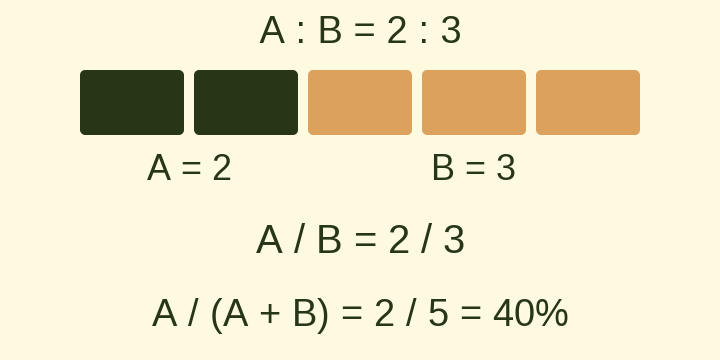
For two quantities written as 2:3, the ratio calculator keeps their order while showing two different ways to compare them. In 2:3, the first quantity is two parts and the second is three parts. There are five parts altogether. That makes the first quantity 2/3 of the second, but 2/5 of the combined total. I keep these two statements separate before calculating a percentage, because both fractions are correct and answer different questions.
The result therefore shows a quotient and a fraction of the whole side by side. For 2:3, the first divided by the second is approximately 0.66666667, or 66.666667%. The first divided by the whole is exactly 2/5, or 40%. A percentage without its reference quantity is incomplete. Read the label before taking the number into a recipe, a worksheet or an allocation.
Can I enter decimals and fractions?
Separate ratio terms with colons. Write 12:18 for two terms, or 2:3:5 for three. Decimals and simple fractions work in the same input: 1/2:3/4:5/6 is valid. A decimal point or comma is accepted within a number, but do not use thousands separators. Enter 1000 rather than 1,000 when you mean one thousand.
Scientific notation is also supported: 1e-11 means 0.00000000001. A fraction can have decimal amounts on either side, such as 1.5/2.5, which is exactly 3/5. Add units in your own notes rather than inside these fields. The parser rejects extra characters instead of treating 12kg as 12. It also rejects an empty ratio term, a zero fraction denominator and a ratio whose terms are all zero.
How do I simplify a ratio with fractions?
For 1/2:3/4:5/6, the denominators have least common multiple 12. Multiplying every term by 12 produces 6:9:10. Their greatest common divisor is 1, so this is already the simplest whole-number form. The method changes the unit represented by one part; it preserves the relationship among the quantities.
A decimal ratio follows the same method. For 1.5:2.5, the exact fractions are 3/2 and 5/2. Multiply through by 2 to get 3:5. The calculation keeps integer numerators and denominators throughout, so repeating decimals do not need to be rounded before reduction. In particular, 1/3:2/3 reduces to 1:2 exactly.
| Ratio | Simplest form | First ÷ second | First ÷ whole |
|---|---|---|---|
| 12:18 | 2:3 | 2/3 ≈ 66.666667% | 2/5 = 40% |
| 1.5:2.5 | 3:5 | 3/5 = 60% | 3/8 = 37.5% |
| 1/3:2/3 | 1:2 | 1/2 = 50% | 1/3 ≈ 33.333333% |
| 0:6 | 0:1 | 0 = 0% | 0 = 0% |
How do I find a missing value in a proportion?
The proportion mode reads A:B=C:D as A/B=C/D. Leave exactly one field empty, or enter x or ?. For 3:4=9:x, the cross products give 3x=4×9=36, so x=12. Substitution confirms 3/4=9/12. The engine can solve any of the four positions; it can also check equality when all four are entered.
B and D are denominators and must be nonzero. Equal cross products alone do not rescue an undefined quotient. Some zero-valued inputs leave many possible answers, and others admit no answer. These cases receive different messages rather than a made-up zero or infinity. The definition and denominator conditions follow OpenStax’s treatment of proportions.
How do I scale a ratio to a known amount?
Choose Scale to multiply or divide every term by the same nonzero factor. A 2:3 ratio multiplied by 4 becomes 8:12. To set a particular term directly, choose Set a selected term, enter its position counting from 1, and provide the target amount. Setting the second term of 2:3 to 12 gives factor 12/3=4 and therefore 8:12.
This is useful when one measured ingredient is the limiting amount. Keep the input quantities in consistent units before choosing the factor. Scaling 250 grams of flour and 150 grams of water by 1.4 produces 350 and 210 grams. Scaling preserves entered proportions; it does not convert cups to grams, infer an ingredient density or change cooking time automatically.
How do I split a total and round the shares?
For a total of 25 divided in the ratio 2:3, there are five weight units. Each unit receives 25/5=5, giving amounts 10 and 15. A three-part split works identically. A total of 1000 with weights 2:3:5 gives 200, 300 and 500. Split mode requires nonnegative weights and total, with at least one positive weight.
Exact fractions remain the default. For indivisible units, choose an allocation precision. Five cents divided equally among three parts cannot produce three identical cent amounts. The largest-remainder method first floors each exact share in cents, then distributes the remaining cents by fractional remainder. Equal remainders follow the original term order, giving 0.02, 0.02 and 0.01. The allocated sum remains 0.05.
Can a ratio contain zero or negative numbers?
Simplification and scaling retain negative signs. A ratio of −2:3 has quotient −2/3, but it is not a division of a positive whole into two nonnegative shares. The drawing switches to signed bars and omits ordinary share percentages. Zero terms are allowed when another term is nonzero; 0:6 simplifies to 0:1. Comparing quotient ratios still requires a nonzero second term in each pair.
Why should I compare ratios before rounding?
| Input | Expected result | Why it matters |
|---|---|---|
| 1e-11:2e-11 | 1:2 | Tiny decimal terms remain nonzero |
| 1e-12:1 versus 2e-12:1 | Different ratios | No tolerance-based false equality |
| 3:4=9:x | x=12 | Cross products and valid denominators |
| 1:1:1; total 0.05; cents | 0.02 + 0.02 + 0.01 | The rounded sum is preserved |
| 1:2:3; total 10; whole units | 2 + 3 + 5 | Unequal remainders determine allocation |
Fraction arithmetic is exact within the stated input and work limits. Decimal previews and SVG positions are approximate. A very small positive part can be too narrow to see at this drawing scale even though its exact fraction remains in the table. The calculator accepts up to twelve terms, sixty decimal places and scientific exponents from −30 to 30.
Compare mode also shows which first-to-second quotient is greater, using exact fractions even for signed values.
How do I copy or download my result?
Copy a result with its working, download the result table as CSV, or save the visual as SVG or PNG. Editing a calculation disables stale exports until another calculation completes. The live-calculation option recalculates while you type without adding a history entry for each keystroke. A manual calculation records the mode, source fields, scaling method and rounding choice. Copied results retain the original quantities, total and scale settings, so the answer can be checked later.
History stays in memory until you explicitly save it on this device. Restoring checks the stored format first. Clearing page history and clearing saved history are separate actions; resetting the form preserves both. For more detail, read about fractional ratio reduction, proportions and recipe scaling, or splitting a total with rounding. These calculations describe quantities; they do not establish that a physical mixture or a financial agreement is suitable.
Guides
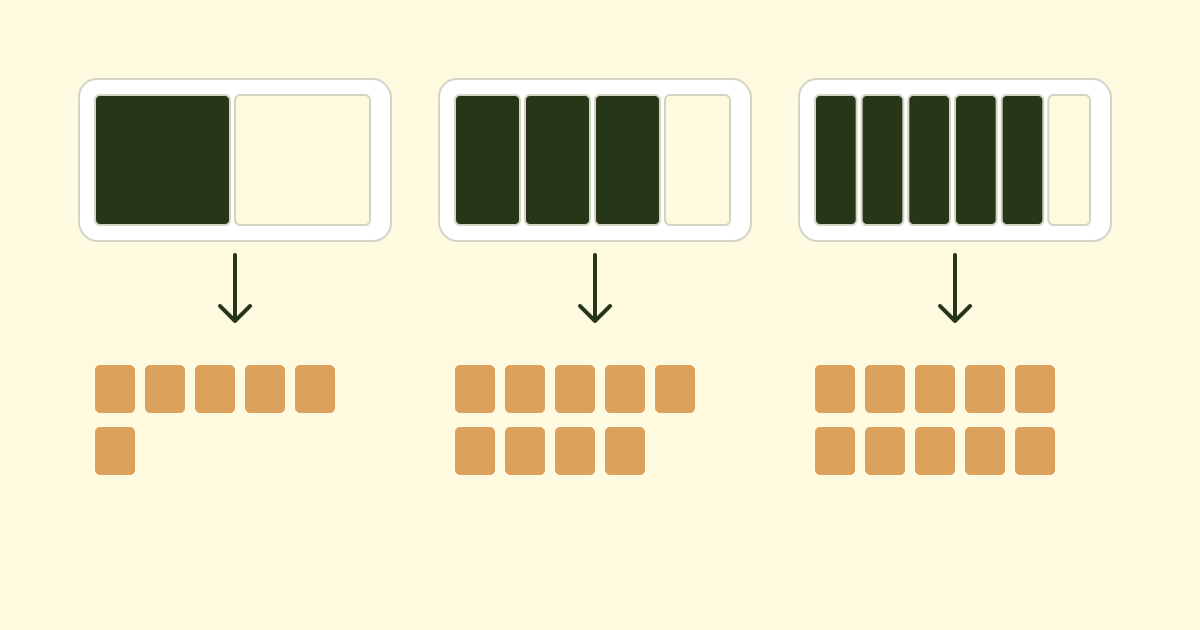 Simplifying ratios with decimals and fractionsClear denominators together, preserve repeating fractions, and distinguish a quotient from a share of the whole.Reading time: 5 min
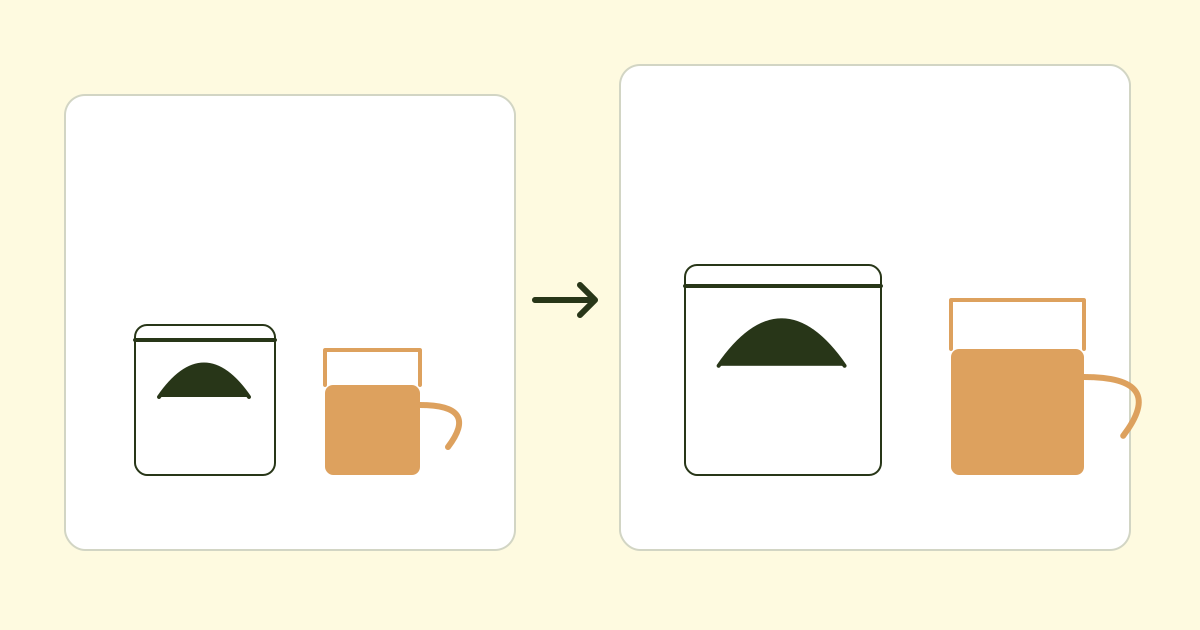 Solving proportions and scaling recipe quantitiesAlign the quantities, check both denominators, and apply one exact factor to every amount.Reading time: 5 min
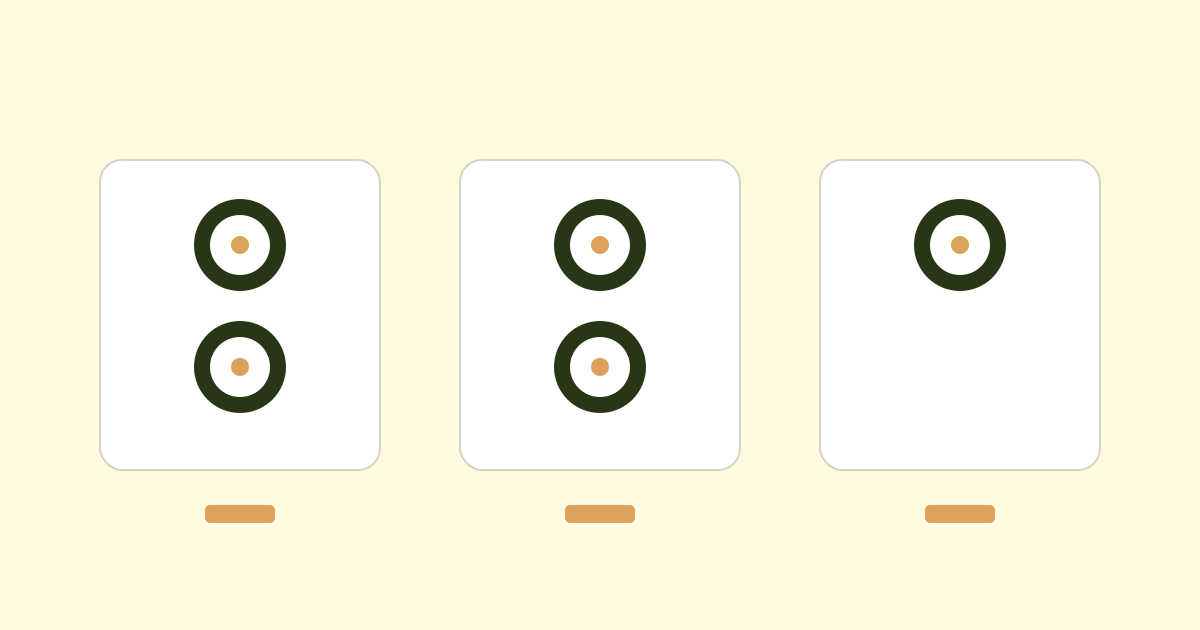 Splitting a total by a ratio without rounding driftExact shares, indivisible units and a reproducible tie rule make the final allocation add up.Reading time: 5 min
Quick answers
Can I enter fractions and decimals together?
Yes. Separate terms with colons, for example 1/2:0.75:5/6. Decimal commas are accepted inside numbers; thousands separators are not.
Does 2:3 mean the first part is two thirds of the whole?
No. It is two thirds of the second quantity. The first fraction of the combined whole is 2/(2+3)=2/5, or 40%.
Why can a missing proportion term have no unique answer?
A zero coefficient can leave the equation either inconsistent or true for many values. B and D must remain nonzero as denominator terms.
How are equal rounding remainders handled?
The original term order breaks ties. Allocated shares still add exactly to the entered total at the selected precision.
Are inputs saved automatically?
No. History is held in memory until you explicitly save it on this device. The calculator makes no network requests with your quantities.